
1Bet Mobile App – Download, Installation and Features
The 1Bet mobile app brings the full casino and sportsbook to Android devices via a direct APK download from the operator’s website. This independent review covers exactly how to get it, install it, and what it can do — plus the realistic options for iPhone and iPad users.
1Bet app overview
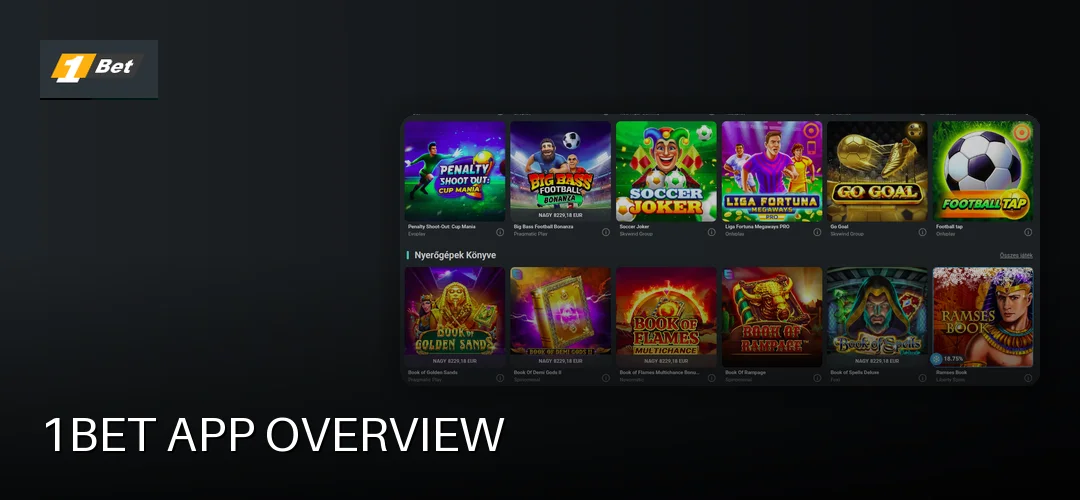
The 1Bet mobile application is a native Android app distributed as an APK file directly from the operator’s site, rather than through the Google Play Store. According to the mightytips data sheet, the app weighs in at 43.0 MB, so it installs quickly even on modest connections.
The main reasons to use the app instead of the browser version:
- One-tap access from your home screen — no typing URLs or logging in through a browser each time
- Push notifications for promotions, bet settlements and account activity
- An interface built for touch, with the casino lobby and sportsbook a swipe apart
- Full access to deposits, withdrawals, bonuses and account settings in one place
The operator behind 1Bet is Bellona N.V., registered in Curaçao (Heelsumstraat 51 E-Commerce Park, company number 120860), operating under licence 8048/JAZ issued by the government of Curaçao (Antillephone N.V.). This is an offshore licence — the brand does not hold a domestic Hungarian SZTFH permit — so Hungarian players should understand that framework before installing.
The interface follows a standard modern sportsbook-casino layout: bottom navigation for the main sections, a collapsible side menu for account tools, and a bet slip that stays accessible from any screen. Hungarian-language support exists on the site, which carries over to the mobile experience.
APK download for Android devices
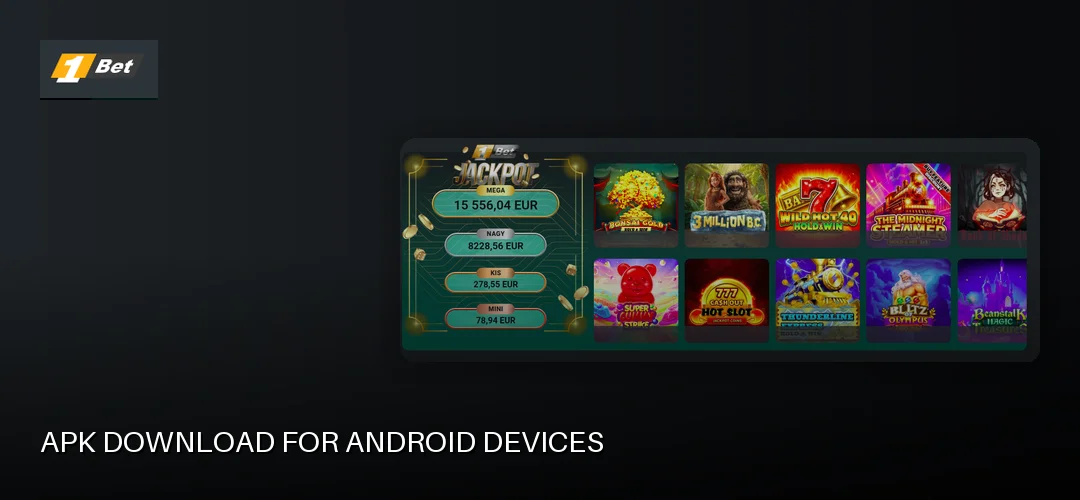
The only safe source for the 1Bet APK is the operator’s own website. Third-party APK mirrors are a genuine security risk — a modified installer can steal login credentials or payment data. Get the file straight from the source:
- Open the 1Bet website in your Android browser (Chrome works fine).
- Find the mobile app section — the mightytips review confirms the native app is offered as a direct download from the site.
- Tap the download button and save the 43.0 MB APK file.
- When the download finishes, tap the notification or find the file in your Downloads folder.
- Tap the file, review the requested permissions, and confirm installation.
Because the app comes from outside Google Play, Android will ask you to allow installations from unknown sources. On modern Android versions this permission is granted per-app: when you open the APK, the system prompts you to allow your browser (or file manager) to install unknown apps. Toggle it on, install, then toggle it back off — that last step keeps your device protected afterwards.
Updates do not arrive through the Play Store. When 1Bet releases a new version, the app itself typically notifies you, or you can re-download the latest APK from the website and install it over the existing version. Your account, balance and settings carry over.
Fixing 1Bet APK installation problems
Most installation failures come down to a handful of causes:
- “App not installed” error: the APK file was corrupted during download. Delete it and download again over a stable connection.
- Blocked by Play Protect: Google Play Protect may flag apps installed from outside the Play Store. Check the warning details carefully — only proceed if you downloaded the file directly from the operator’s official site.
- Unknown sources not enabled: go to Settings → Apps → Special app access → Install unknown apps, and enable it for the browser you used.
- Insufficient storage: free up space beyond the 43.0 MB file size, as Android needs extra room to unpack and install.
Never install an APK sent via messaging apps or found on file-sharing sites. If the file did not come from the official 1Bet website, delete it.
iOS app – iPhone and iPad
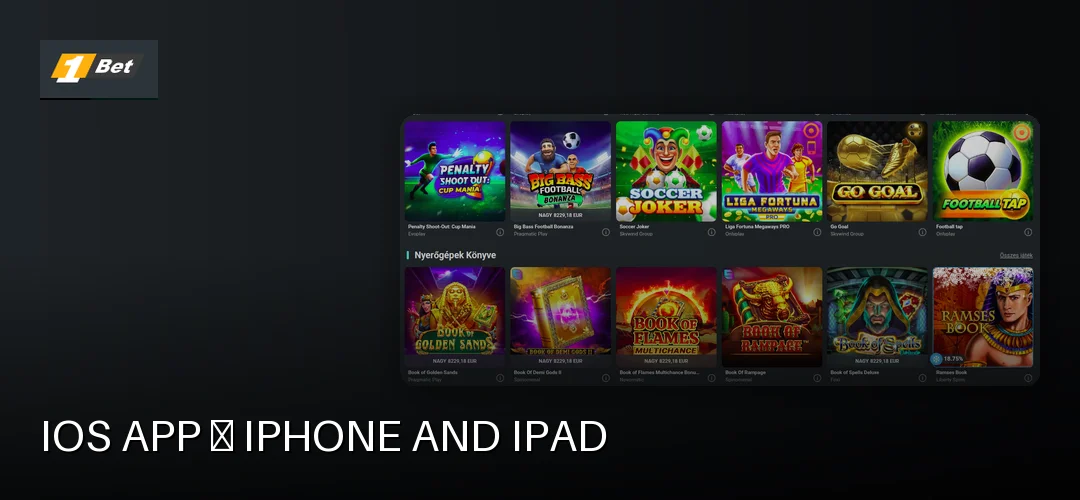
Here the sources conflict, so be sceptical of any site claiming a native iOS download. The kerrybet overview table lists both Android and iOS availability, but the mightytips review states there is currently no downloadable iOS app — iPhone and iPad users get the fully mobile-optimised website instead.
The practical workaround on iOS is a home screen shortcut, which behaves like a Progressive Web App:
- Open the 1Bet site in Safari.
- Tap the Share button, then “Add to Home Screen”.
- Confirm, and an icon appears on your home screen that launches the mobile site in its own window.
This gives iOS users the full game library, sportsbook, payments and account tools without installing anything. It also sidesteps App Store gambling-app restrictions entirely.
App features and options
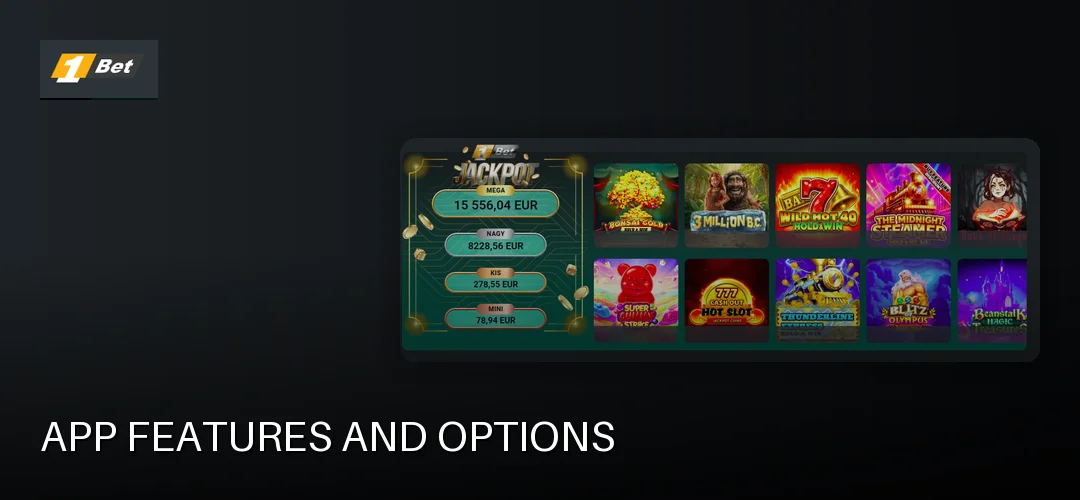
The app is not a stripped-down companion — it carries the operator’s complete product:
- Casino games: slots, table games, casual games and a live casino section, all playable in-app
- Sports betting: pre-match and live markets with the same odds as the desktop site
- Payments: Hungarian players can deposit with Visa and Mastercard bank and credit cards, Skrill, NETELLER, MiFinity and Jeton e-wallets, Rapid Transfer and Revolut transfers, paysafecard (deposit only), Klarna for OTP customers, and — as a secondary option — cryptocurrencies. Most methods start at a 10 EUR minimum per transaction, with the site also listing an 8 000 Ft minimum deposit; maximums for Hungary-based customers range between 1 000 EUR and 8 800 EUR depending on the method.
- Bonuses: the welcome offer — a 100% bonus up to 60 000 Ft plus 100 IP with promo code WB100NS — can be claimed and tracked directly in the app. The sports version requires a minimum deposit of 8 000 Ft at minimum odds of 1.80; the casino version carries 30x wagering.
- Push notifications: opt in for promo alerts, or switch them off in settings if you prefer quiet.
One important note on withdrawals: KYC verification is mandatory before your first cashout. Upload proof of identity (passport, driving licence or national ID card) and proof of address (utility bill or bank statement) in the Account Verification menu early — until it clears, you can deposit but not withdraw.
Login and account management
Logging in uses the same email and password as the desktop site. On supported devices you can enable biometric unlock — fingerprint on Android, Face ID on iOS via the web shortcut — so the account opens in a second without typing credentials.
Inside the account section you can update personal details, review transaction history, check bonus wagering progress and set responsible-gambling limits. Do the KYC upload here too; getting verified before you win anything saves a wait later.
Performance and stability
At 43.0 MB the app is light by casino-app standards, which keeps installation fast and storage impact low. Because the content streams from the operator’s servers, performance depends more on your connection than on the app itself — on stable Wi-Fi or 4G, lobbies and live streams load without fuss.
A few practical points:
- Live casino streams and live betting consume the most mobile data; use Wi-Fi for longer sessions.
- The app works fully online — there are no meaningful offline features, since real-money play requires a live connection.
- If you hit problems, the operator’s support is reachable via live chat and email; per the tests referenced in our research, support currently operates in English, which is worth knowing for Hungarian-speaking players.
Mobile app vs. mobile website
Both routes lead to the same account, balance and game catalogue. The differences are practical rather than functional:
- Choose the app if you play regularly on Android — faster access, push notifications and a purpose-built touch interface.
- Choose the mobile site if you’re on iOS (no native app available), if you share a device, or if you simply don’t want to install anything.
- Game selection, odds, bonuses and payment methods are identical across both.
- The mobile site needs no updates and no unknown-sources permission; the app needs occasional manual APK updates.
For a broader look at the operator’s overall offering, start here: 1Bet review.
Security and privacy on mobile
The operator runs under Curaçao licence 8048/JAZ (Antillephone N.V.) — an offshore framework, not a Hungarian regulator. That makes your own security habits more important:
- Download the APK only from the operator’s official website, never from mirrors or links in messages.
- Revoke the “install unknown apps” permission after installation.
- Enable biometric login and use a unique password for your casino account.
- Avoid logging in over public Wi-Fi, or use a trusted connection.
- Review app permissions during install — a betting app has no legitimate need for your contacts or microphone.
Independent user sentiment is worth a look before committing funds — checking 1Bet on review platforms such as Trustpilot gives a picture of how the operator handles payouts and disputes in practice. Responsible-gambling tools, including account limits, are available in the account settings, and the minimum age to play is 18.
Frequently asked questions about 1Bet
How can I safely download the 1Bet APK file?
Download it only from the operator’s official website — the mightytips review confirms this is the distribution channel. Avoid third-party APK mirrors entirely, enable unknown-sources installation temporarily for your browser, install, then switch that permission back off.
Is the 1Bet app available for iOS devices?
Sources conflict here. The mightytips review states there is currently no native iOS app; iPhone and iPad users should open the mobile-optimised site in Safari and use “Add to Home Screen” for an app-like shortcut with full functionality.
What Android version do I need to run the 1Bet app?
The operator’s documentation does not specify an exact minimum Android version. As a rule, any reasonably recent Android release handles a 43.0 MB app of this type; keep your system updated and ensure enough free storage before installing.
Is the 1Bet mobile app free to download?
Yes. The APK download from the operator’s website costs nothing, and there is no subscription. You only spend money when you deposit into your account — the listed minimum deposit is 8 000 Ft, with most payment methods starting at 10 EUR per transaction.
How do I update the 1Bet app to the latest version?
Since the app isn’t on Google Play, updates come from the operator. The app typically notifies you when a new version exists; otherwise, download the latest APK from the official website and install it over the current version — your account and settings stay intact.
Do the same bonuses work in the app as on the website?
Yes. The welcome offer — a 100% bonus up to 60 000 Ft plus 100 IP with promo code WB100NS and an 8 000 Ft minimum deposit — is claimable in the app just as on the desktop site, with the same wagering conditions applied.
Is it safe to deposit money in the 1Bet mobile app?
Deposits run through the same payment rails as the website: Visa, Mastercard, Skrill, NETELLER, MiFinity, Jeton, Rapid Transfer, Revolut, paysafecard and Klarna for OTP customers. Note the operator holds an offshore Curaçao licence (8048/JAZ), not a Hungarian permit — factor that into your decision.
Why can’t I find the 1Bet app in the Google Play Store?
Google restricts real-money gambling apps in many regions, so the operator distributes the Android app directly as an APK from its own website instead. This is common practice among offshore-licensed casinos and does not by itself indicate a problem with the app.
Ready to play on the go? Download the app or open the mobile site, claim the 100% up to 60 000 Ft welcome bonus with 100 IP, and remember to verify your account before your first withdrawal.